Premium FiveM Trucks and Trucking Jobs
Fill your server's highways with proper freight: long-haul semis, flatbeds, tow rigs, tippers and box trucks, backed by trucking job scripts that pay players to run routes. Every model and job here is set up for QBCore, ESX and Qbox, with compressed textures and tuned handling so a loaded rig drives like one and your framerate holds.
Vehicles in this category
35 products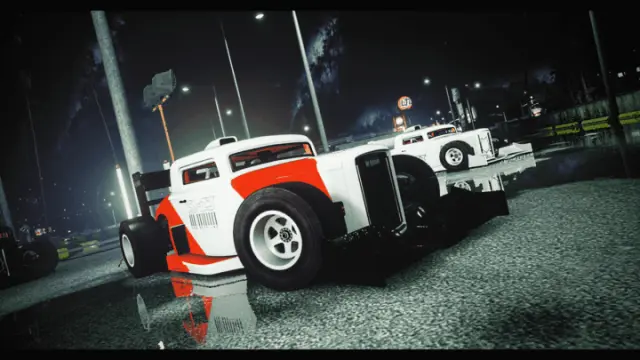

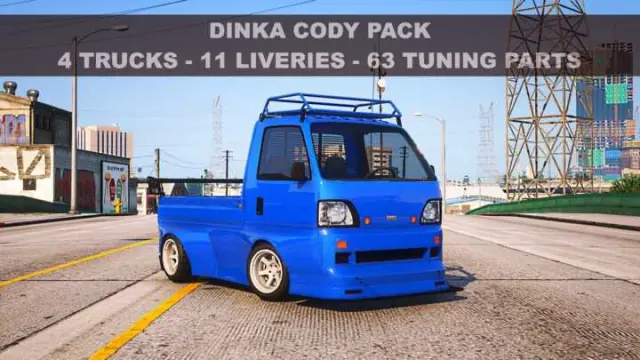
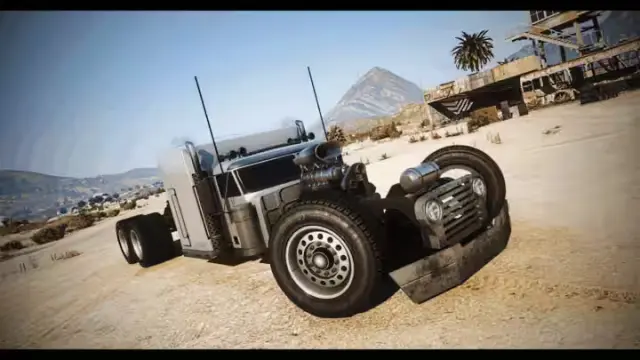

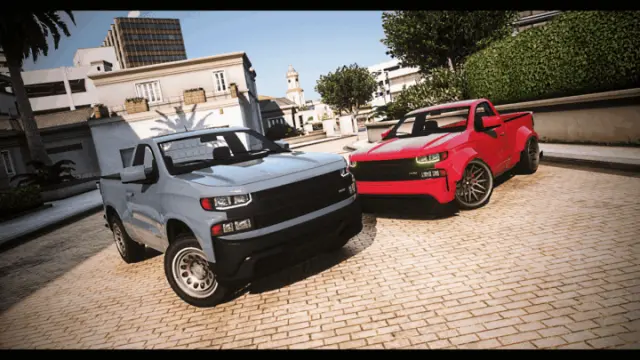


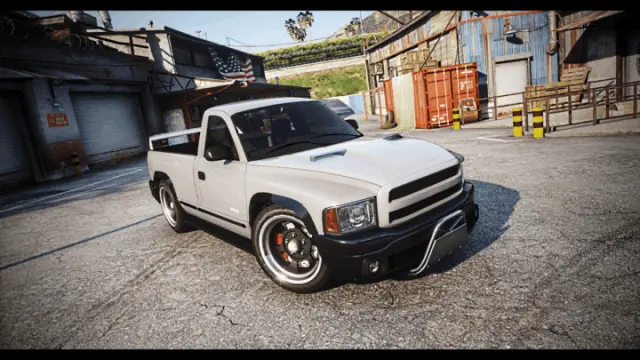
Trucks carry the economy on most roleplay servers. A logistics company, a tow and impound service, or just believable freight moving on the highway all start with the right rig. This collection pulls together semis, flatbeds, tow trucks, tippers, box trucks and trailers, packaged for drop-in installs on QBCore, ESX and Qbox. Some are pure add-on vehicles, others ship as full trucking jobs with routes, payloads and payouts wired in.
These are not lazy reskins. You get properly modelled exteriors, detailed interiors, working dials, correct collisions and lightgroups, and handling lines tuned so weight and braking feel like a heavy load instead of flipping at the first corner. Plenty of the packs pair with or slot straight into trucking job scripts, so one vehicle becomes a career path: spawn from a garage, grab a contract, haul cargo across the map and get paid on delivery.
What to look for in trucks
- Optimised models: clean polycounts, proper LODs and compressed YTD textures so a busy highway does not tank server FPS.
- Handling that matches the load: weight, suspension and braking tuned per vehicle, so a full semi behaves differently from an empty box truck.
- Trailer and attachment support: flatbeds, lowboys, tankers and box trailers that couple cleanly and play nicely with prop and cargo systems.
- Job script compatibility: vehicles that drop into trucking, delivery or logistics jobs with garage spawn, keys and fuel support.
- Tow and winch functionality: working flatbed ramps, hooks and beacons where the rig is built for a mechanic or impound job.
- Liveries and extras: template liveries and toggleable extras like toolboxes, ramps and beacons so one model covers several roles.
Compatibility & installation
Everything in this category targets the major FiveM frameworks. Trucking job scripts read QBCore, ESX or Qbox out of the config, and standalone vehicle add-ons drop into any server no matter which framework you run. Installation follows the standard pattern. Extract the resource into your resources folder, add the ensure line to your server.cfg, then set job, garage or shop entries through the included config. Add-on vehicles register by their spawn names, so you can list them in a dealership, job garage or admin menu right away.
Most packs ship with a README that covers spawn codes, dependencies and stream folder setup. For scripted trucking jobs you point the config at your framework, set payout values, and define routes or delivery points. Because the models stream as add-ons rather than replacements, they never overwrite base GTA vehicles, which keeps your server safe across game updates.
Why buy from us
Buying your trucks here means tested, optimised files instead of leaked or bloated ones that hammer your server and drag base performance down. Each listing is checked for build quality, resmon impact and framework compatibility, so your time goes into pricing routes and balancing payouts, not chasing broken handling lines or missing textures. You get instant access after purchase, version updates as models are refreshed, and files built to current FiveM standards.
A solid trucking offering gives players a reason to log in and grind. Steady delivery payouts feed your in-game economy, and the background freight makes a city feel worked-in and alive rather than empty. Start small with a single tow truck for your mechanic job, or roll out a full logistics fleet with contract routes across the map. The trucks and jobs in this collection scale with the server you are building. Browse the catalog below and pick the haulers, rigs and trailers that fit your roleplay.
Frequently asked questions
Do these trucks work with QBCore, ESX and Qbox?
Yes. The trucking job scripts read your framework from a config file and support QBCore, ESX and Qbox. Standalone vehicle add-ons are framework agnostic, so they run on any server regardless of what you use. Check each listing for the exact dependencies it expects.
Are these add-on vehicles or replacements?
Most are streamed as add-ons with their own spawn names, so they do not overwrite base GTA vehicles. That keeps your server safe when the game updates and lets you add trucks to dealerships or job garages without touching stock cars. Any pack sold as a replacement will say so in its description.
Will a busy highway full of trucks hurt my server FPS?
The models here are picked for clean polycounts, proper LODs and compressed YTD textures to keep resmon low. Heavy trucks are more demanding than small cars, so streaming distance and traffic density still matter. Read the resmon notes on each listing and test with your usual player count.
Do I get a full trucking job or just the vehicle?
It depends on the listing. Some products are pure vehicle add-ons, while others include a trucking job script with routes, payloads, payouts and contracts already set up. The product description states clearly whether a job system is included or whether you supply your own.
How do I install a truck pack?
Extract the resource into your resources folder, add the ensure line to your server.cfg, then configure job, garage or shop entries in the included config. Vehicle add-ons register by spawn name, so you can list them in a dealership or admin menu straight away. Each pack ships with a README covering spawn codes and stream setup.
Can I use these trucks for a tow or impound service?
Yes. Several rigs are built for mechanic and impound work with flatbed ramps, hooks, winch functionality and working beacons. Pair one with a tow job script to let players recover vehicles and run an impound lot. Look for tow or flatbed tags on the listing to find the right model.